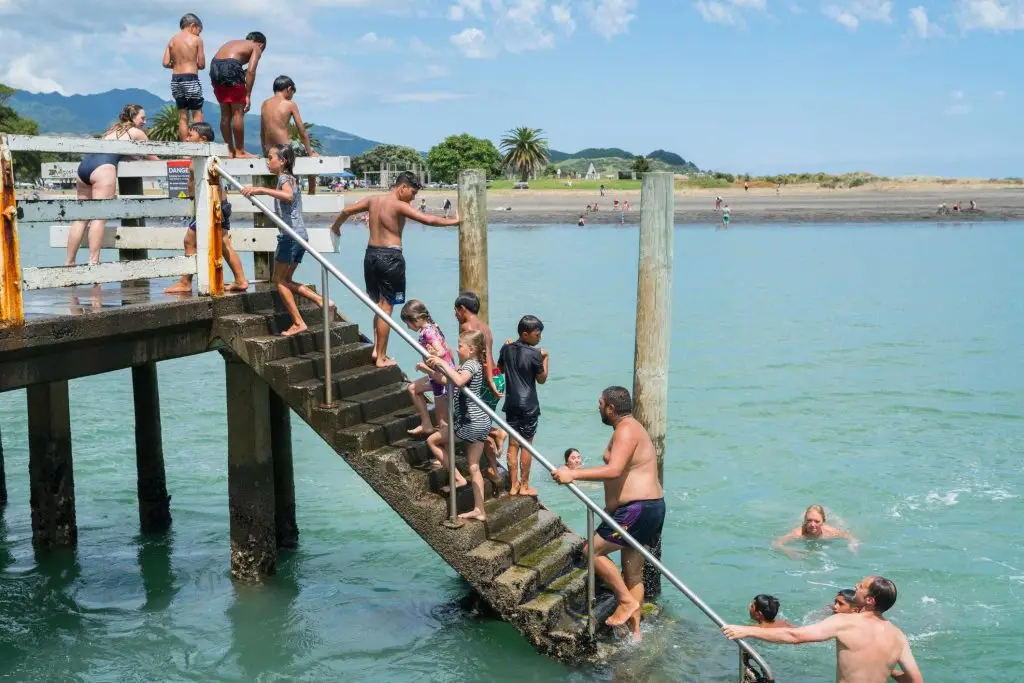
Every summer Raglan fills up. Visitors arrive for the surf, the beaches, the food and Karioi, and most of them plan the next part of their day on a phone. Here’s a practical summer website checklist to work through before the season peaks.
- Test your site on a phone with wifi off
- Put holiday hours and summer prices where people look first
- Let people book or buy without calling
- Update your Google Business Profile
Your 7-point summer website checklist
Check it on a phone, on mobile data
Turn wifi off and try what a visitor would do: find your hours, check prices, book or call. If anything is slow or needs pinching and zooming, fix it first.
Make summer details impossible to miss
Holiday hours, Christmas and New Year closures, seasonal menus and peak prices belong near the top of your home page and on Google.
Let people book or buy without calling
Make Book now obvious on every page and test the whole flow yourself. Visitors who can’t book on the spot book the next business they find.
Update your Google Business Profile
Check hours (including holiday hours), phone, website link and photos. Add recent photos and reply to recent reviews.
Answer the questions you get every day
Parking, dogs, accessibility, vouchers, what to bring, bad-weather plans. Clear answers save counter time and help AI tools describe you accurately.
Check the basics are secure and working
Update WordPress, plugins and theme, confirm you have a current backup, test contact forms and check your SSL certificate.
Make it easy to come back
A newsletter sign-up, your Instagram, or a gift voucher people can buy online. Summer visitors often become repeat customers.
Start with speed on mobile
Don’t judge your site on the office wifi. Google’s free PageSpeed Insights shows how quickly your pages load on mobile and points to the biggest problems.
If the mobile score is low, the usual culprits are oversized images, too many plugins or scripts, and an old, heavy theme. Most of those can be fixed before summer without a rebuild.
Your Google Business Profile is often your website
For many visitors, your Google Business Profile is the first thing they see on Google Maps, and sometimes the only thing. It’s free, and keeping it current is one of the most effective things a local business can do in summer.
Tip: set special holiday hours in Google for Christmas Day, Boxing Day, New Year and Waitangi Day so people don’t turn up to a closed door.
Questions that belong on your website
| Question visitors ask | Where to answer it |
|---|---|
| When are you open over the holidays? | Home page banner and Google Business Profile |
| Can I book online? | A Book now button in the header of every page |
| Is there parking? Are dogs welcome? | An FAQ section or visit-us page |
| What happens if the weather turns? | Booking pages and confirmation emails |
| Do you sell gift vouchers? | Home page and online shop |
Make sure nothing is quietly broken

Summer is a bad time to find out a contact form has been silently failing. Send yourself a test enquiry, check bookings arrive, and make sure your site is backed up and up to date.
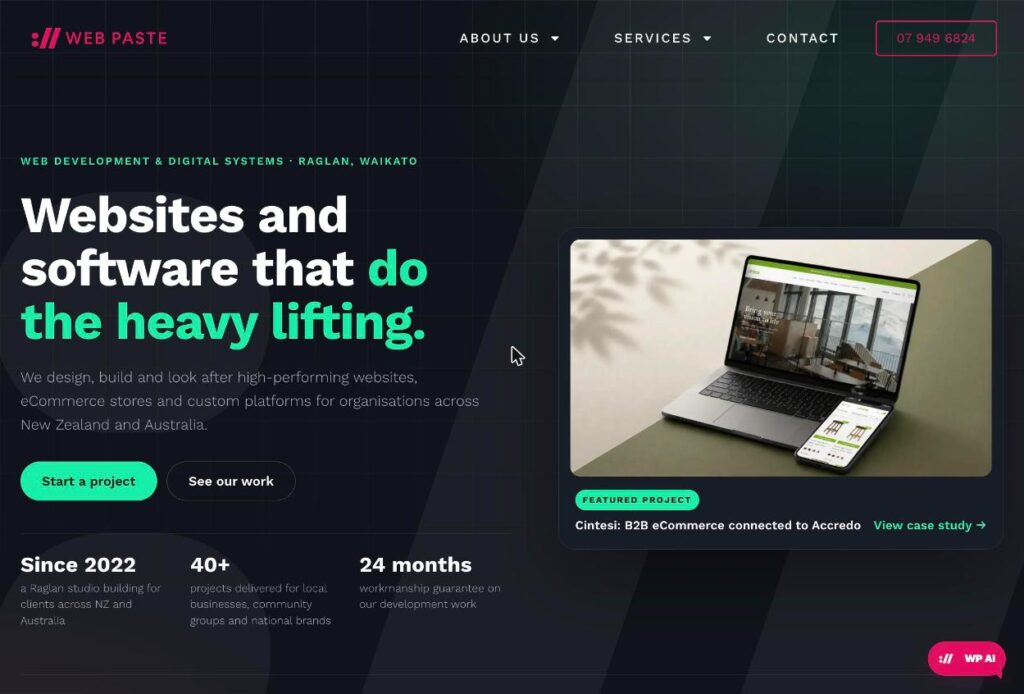
We’re based on Bow Street in Raglan and look after websites for local businesses all year round through our managed website plans.
Frequently asked questions
How do I check if my website is fast enough on mobile?
Open it on your phone with wifi off and try the main tasks a visitor would do, then run it through Google PageSpeed Insights for a mobile score and a list of the biggest problems.
What should I update before summer?
Holiday opening hours, closure days, seasonal menus or products, peak-season prices, your Google Business Profile and any booking information.
Does my Google Business Profile matter if I have a website?
Yes. It’s often the first thing visitors see on Google Maps, and AI tools draw on it when describing local businesses.
Want a hand before the season?
We can run through your site with you and tell you what’s worth fixing now and what can wait until after summer.