
Hosting is the least visible part of a website and one of the most important. It decides how fast your pages load, how well your site copes with a busy day, how quickly problems are fixed and whether a hacked or crashed site is back online in minutes or days. For New Zealand businesses, the choice between cheap shared hosting and managed hosting is often the difference between a website that quietly works and one that quietly costs you customers.
What website hosting actually does
Your website is a collection of files, a database and software. Hosting is the server that stores and delivers them every time someone visits. A better-configured server delivers pages faster, handles more visitors at once and is harder to attack. A poorly configured one slows everything down, no matter how good your design is.
Shared hosting vs managed hosting
Shared hosting
With budget shared hosting, hundreds or thousands of websites share the same server resources. It is cheap, but you share performance with your neighbours, support is often generic and security and updates are largely left to you. For a simple hobby site that may be fine. For a business that relies on its website, the risks add up.
Managed hosting
Managed hosting means someone with WordPress experience looks after the server environment for you. That typically includes performance tuning, regular backups, security monitoring, software updates and support from people who know the platform. You are paying for fewer problems and faster fixes, not just disk space. Our website hosting follows this approach.
Why managed hosting matters for business websites
- Speed. Faster loading improves the customer experience and supports search visibility. See our post on why a faster website is usually a simpler website.
- Security. Updates, monitoring and sensible server settings reduce the chance of a compromised site.
- Backups. Regular backups mean a problem becomes an inconvenience rather than a disaster, as long as backups are stored separately and actually tested.
- Reliability. Good hosting is built to stay online and to recover quickly when something goes wrong.
- Support. When something breaks, you want a person who understands your site, not a ticket queue.
Does hosting location matter in New Zealand?
Where your server sits affects how quickly it responds to visitors. For a business serving New Zealand customers, hosting close to your audience, or using a content delivery network to serve static files from nearby locations, can improve loading speed. If you sell internationally, a CDN helps visitors elsewhere too. The right setup depends on where your customers are.
What to look for in a hosting provider
- Clear information about backups: how often, where they are stored and how restoration works.
- Security measures such as firewalls, malware scanning and automatic updates.
- Performance features including caching and modern server software.
- Real support with people who understand WordPress and your business.
- Transparent pricing with no surprises at renewal.
- Clear ownership: the domain and hosting account should be in your name.
Hosting and maintenance work together
Hosting keeps the server healthy; maintenance keeps the website healthy. Plugins, themes and WordPress itself all need regular updates, and content and forms need to be tested after changes. Many businesses combine the two, as in our website maintenance and managed website plans. Our post on the hidden cost of a website nobody maintains explains why neglect is more expensive than care.
Hosting for AI-ready and growing sites
As websites take on more features such as AI tools, bookings and ecommerce, hosting needs grow with them. If you are adding smarter features to your site, read about our AI website hosting approach.
Frequently asked questions
Is cheap hosting really a problem?
It can be. Cheap hosting is not always bad, but it often means slower pages, limited support and little security help. For a business site, the savings are usually small compared with the cost of downtime or a compromised site.
Can I move my existing website to a new host?
Yes. A migration should be planned so the site stays live and nothing is lost. A good provider will handle backups, testing and switching over for you.
Who should own the hosting account?
You should. Whoever builds or manages your website can have access, but the account and domain should belong to your business.
What happens if my site is hacked?
With managed hosting, there are usually backups and security tools in place to clean up and restore the site quickly. Without them, recovery can be slow and costly.
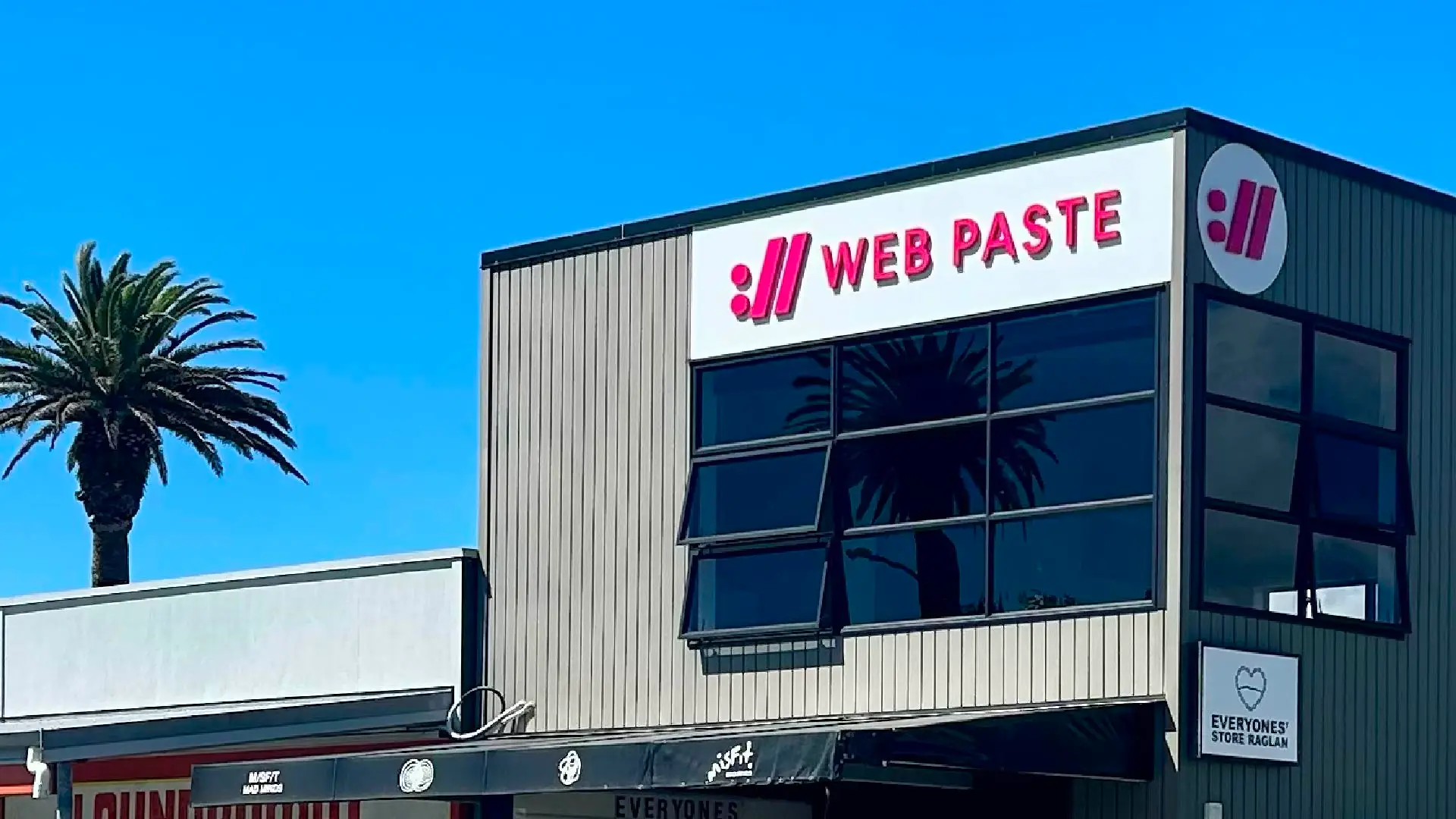
Web Paste provides hosting, maintenance and support for Waikato and New Zealand businesses from our base in Raglan. Get in touch to talk about moving to hosting that supports your business.